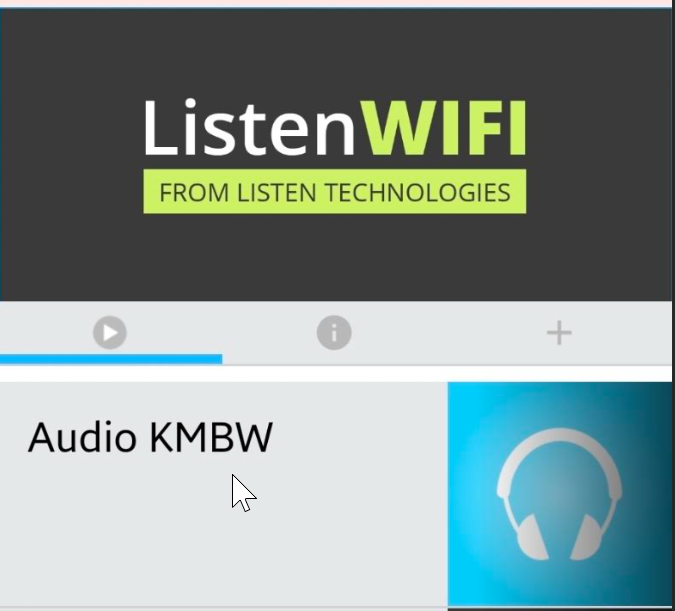
Setting up Listen Everywhere ListenWiFi App
For use in the Leon County Commission Chamber
1. Connect to “Leon County Guest WiFi” making sure to tap the “Accept & Continue” on the terms of use sign-in page.
2. Download the ListenWiFi app from the Google Playstore or Apple App Store
 - https://play.google.com/store/search?q=listenwifi
 - https://apps.apple.com/us/app/listenwifi/id1391914337
3. Open the ListenWiFi app on your device.
4. Once the app is open and you see the screen below, enter 172.16.96.7 into the connection field at the bottom.
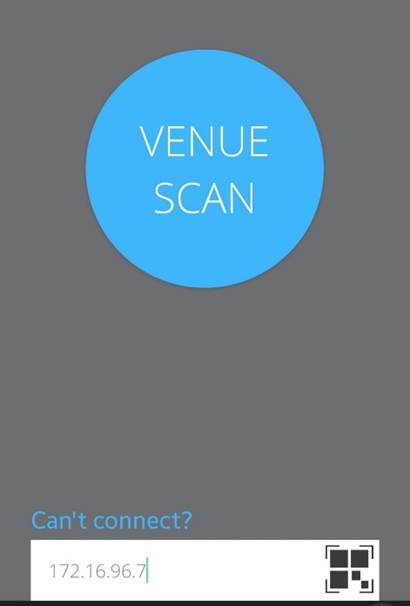
5. If presented with any promotions, tap “Skip Ad”
6. Once connected to the Audio server, tap “Audio KMBW”